
1. Introduction to Pricing Calculations 0:00
-
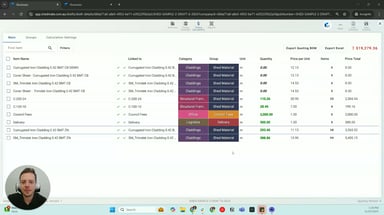
Overview of the session's focus on starting from scratch with pricing calculations.
-
Emphasis on learning to manipulate pricing using formulas instead of simple summation.
-
Introduction to the flexibility and power of formulas in pricing calculations.
2. Creating a New Item for Bolts 0:44
-
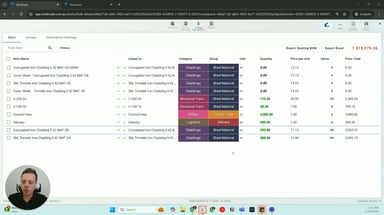
Begin by creating a new item in the pricing database for bolts.
-
Specify the type of bolt (e.g., M12PB or 8.8/s).
-
Set the item category as 'fixings' and assign a price (e.g., 40 cents).
3. Linking to Pricing Calculations 2:32
-
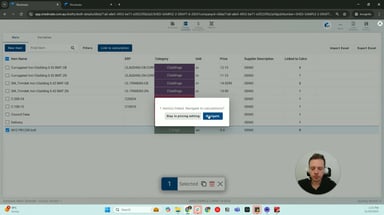
Navigate to link the new item to a specific pricing calculation.
-
Specify the context of the calculation (e.g., column base plate connection for M12 bolts).
4. Using Conditional Modifiers 3:19
-
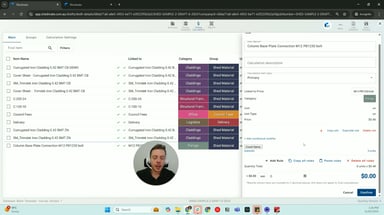
Discuss the use of conditional modifiers to refine calculations based on structural frames.
-
Example: Selecting only columns from the structural frames.
5. Duplicating Rules for Different Bolt Types 5:13
-
Demonstrate how to duplicate rules for different column types (e.g., C150, C200, C250).
-
Explain the importance of maintaining clarity in the calculations.
6. Adjusting Quantities for Mullion Base Plates 9:02
-
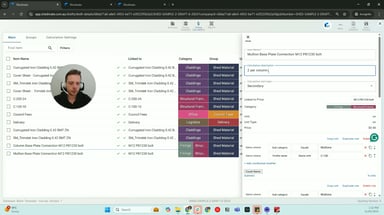
Transition to calculating for mullion base plates.
-
Adjust the number of bolts per column based on the type of mullion.
7. Conclusion and Introduction to Formulas 9:42
-
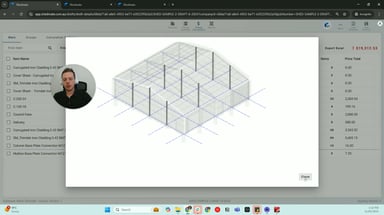
Summarize the benefits of using Shedmate for quantifying items.
-
Introduce the next step of using formulas for more complex calculations.